
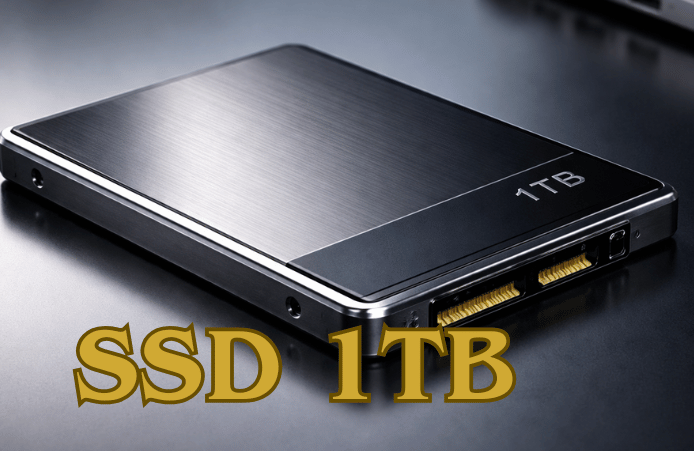

Upgrading your system with an SSD 1TB is one of the easiest and most transformative improvements you can make to your PC or laptop. Imagine booting up your computer in seconds, launching games and applications almost instantly, and transferring large files without waiting.
Whether you’re a gamer chasing lightning-fast load times, a content creator juggling massive media files, or someone who simply wants a smoother everyday experience, a 1TB SSD offers the perfect mix of speed, storage, and reliability.
In this guide, we’ll break down everything from types and performance to use cases and buy tips, helping you choose the ideal drive to supercharge your system.
| Feature / Category | SSD 1TB Overview |
| Type | SATA (budget-friendly), NVMe (high-performance) |
| Storage Capacity | 1TB – enough for OS, games, apps, and media files |
| Read/Write Speed | SATA: up to 550/500 MB/s NVMe PCIe 3.0: up to 3,500 MB/s NVMe PCIe 4.0: up to 7,500 MB/s |
| Best For | Faster boot times, instant application launches, smooth gaming, and reliable file storage |
| Durability | High – shock-resistant, no moving parts |
| Power Consumption | Low, efficient for laptops and desktops |
| Key Advantages | Gamers, professionals, students, and home users |
| Ideal Users | Gamers, professionals, students, and home users |
What is an SSD 1TB?
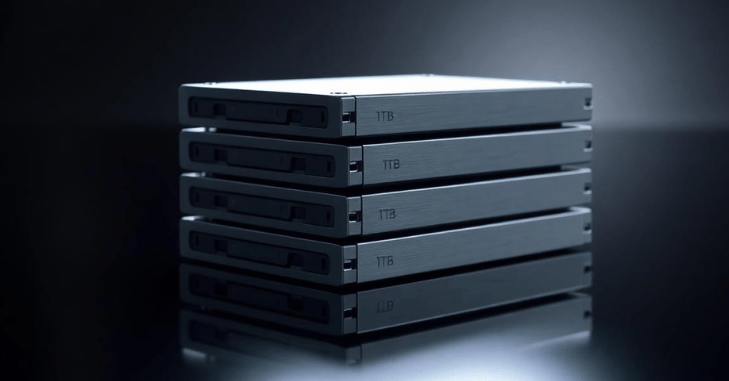
An SSD 1TB is a modern storage device that uses flash memory instead of traditional spinning disks, offering a huge leap in speed, reliability, and efficiency. With 1TB of capacity, a SSD 1TB provides ample space for your operating system, games, applications, and large media files, making it ideal for gamers, content creators, and everyday users alike.
Beyond just storage, an SSD 1TB delivers faster boot times, near-instant application launches, quieter operation, lower power consumption, and greater durability, transforming your PC or laptop into a faster, smoother, and more responsive machine.
Types of 1TB SSDs: NVMe vs SATA
Choosing the right SSD type is essential for getting the performance and value you need. The two most common types of 1TB SSDs are SATA SSDs and NVMe SSDs. Each has its advantages, and understanding the difference can help you make the best choice for gaming, work, or everyday use.
SATA SSD (2.5-inch)
SATA SSDs are widely used because of their affordability and broad compatibility. They use the same connection interface as traditional hard drives, making them ideal for older systems or budget-conscious upgrades. While they are not as fast as NVMe drives, they still offer a noticeable performance improvement over HDDs, including faster boot times and quieter operation.
NVMe SSD (M.2)
NVMe SSDs are the high-speed option for modern systems. They connect directly to the motherboard through PCIe lanes, bypassing the slower SATA interface. This design allows for significantly faster data transfer speeds, making it ideal for demanding workloads such as gaming, video editing, or large-scale file handling.
Why Choose a 1TB SSD for Gaming?
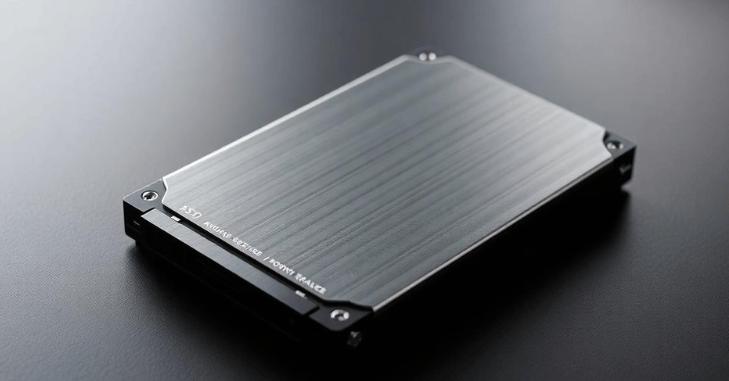
Gaming performance isn’t just about GPU and CPU; storage plays a major role, too. A 1TB SSD can significantly improve load times, reduce stuttering, and provide smoother overall gameplay.
Benefits for Gamers
- Faster game installation and updates
- Near-instant level loading
- Smooth asset streaming in open-world games
- Reduced stuttering and texture pop-in
Ideal Setup
- Install the operating system plus 4–6 AAA games on the 1TB SSD.
- Use secondary storage (HDD or another SSD) for backups and less frequently played games
1TB SSD for Work and Productivity
For professionals, speed directly impacts productivity. A 1TB SSD keeps your workflow fast, efficient, and uninterrupted, whether you’re handling large files or multitasking demanding software.
Perfect for
- Editing high-resolution videos (4K or 8K) with minimal lag
- Processing and retouching RAW photos quickly
- Writing, compiling, and running code efficiently
- Running multiple heavy applications at the same time without slowdown
Key Advantages
- Lightning-fast file transfers and data access
- Rapid software launch times for smoother workflow
- Seamless multitasking, even with resource-heavy programs
Everyday Use: Is 1TB Enough?
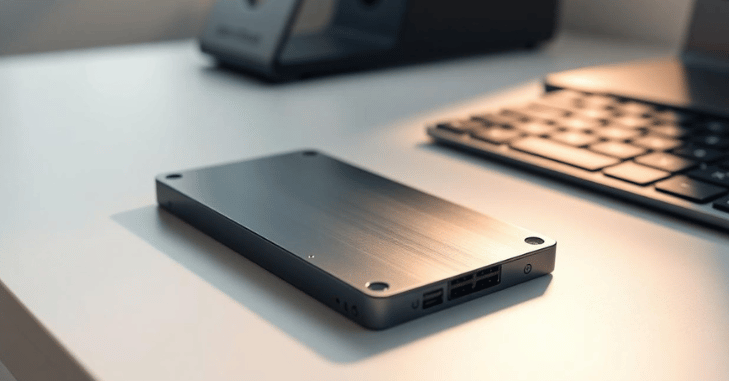
For general users, a SSD 1TB provides more than enough storage for daily needs. With this capacity, you can comfortably store thousands of photos and videos, dozens of applications, and large documents or backups without worrying about running out of space.
An SSD 1TB is ideal for students, office work, home users, and even casual gaming, offering a smooth and responsive experience for everyday computing tasks.
Best 1TB SSDs for Different Needs
High-Performance
- PCIe 4.0 NVMe SSDs
- Extremely fast speeds
- Ideal for demanding tasks
Budget-Friendly Options
- SATA SSDs
- Reliable and affordable
- Good for upgrades
Balanced Performance
- Mid-range NVMe drives
- Great mix of speed and price
Top Features to Look for in a 1TB SSD
When buying a 1TB SSD, capacity alone isn’t enough to ensure optimal performance. Several features can significantly impact speed, durability, and overall usability. Understanding these features helps you choose a drive that meets your needs for gaming, work, or everyday use.
Read/Write Speed
Read and write speeds are among the most important factors when selecting an SSD. Higher speeds translate to faster file transfers, quicker application launches, and improved system responsiveness. NVMe drives generally offer much higher read/write speeds than SATA SSDs, making them ideal for demanding tasks like gaming and video editing.
Interface
- SATA: A budget-friendly option compatible with most systems, suitable for general computing and older PCs.
- NVMe: A high-performance interface that uses PCIe lanes for ultra-fast data transfer, perfect for gaming, content creation, and multitasking.
Endurance (TBW)
Endurance, often measured as Total Bytes Written (TBW), indicates how much data can be safely written to the drive over its lifetime. Drives with higher endurance are better suited for heavy workloads, ensuring long-term reliability and durability.
DRAM Cache
A DRAM cache acts as a high-speed buffer that improves data handling, speed, and performance consistency. SSDs with DRAM caches offer smoother performance, especially when managing large files or performing intensive tasks.
Heat Management
Proper thermal management is crucial for maintaining consistent performance. Some SSDs include heatsinks or other cooling solutions to prevent overheating during prolonged use, which is especially important for NVMe drives in high-performance systems.
SSD vs HDD: Why SSD Wins
| Feature | SSD 1TB | HDD 1TB |
| Speed | Very Fast | Slow |
| Durability | High | Low |
| Noise | Silent | Noisy |
| Power Usage | Low | Higher |
| Performance | Excellent | Average |
Tips to Maximize SSD Performance
- Keep firmware updated
- Enable TRIM support
- Avoid filling the drive completely
- Use cooling solutions for NVMe drives
Future of SSD Technology
- PCIe 5.0 SSDs with extreme speeds
- Better energy efficiency
- Higher capacities at lower prices
- Improved durability and lifespan
Common Mistakes to Avoid When Using a 1TB SSD
Many users unintentionally reduce SSD performance due to a few common mistakes. One of the biggest errors is filling the SSD to full capacity, which can slow down read/write speeds and reduce lifespan. It is recommended to keep at least 10–20% of storage free for optimal performance.
Another mistake is ignoring firmware updates, which often include important performance and stability improvements. Additionally, using an SSD without proper cooling, especially NVMe drives, can lead to thermal throttling and reduced speed during heavy workloads. Avoiding these issues helps ensure the SSD remains fast, reliable, and long-lasting.
Conclusion
Upgrading to an SSD 1TB is one of the most effective ways to boost your PC or laptop performance, whether you’re gaming, working, or handling everyday tasks. An SSD 1TB offers the perfect combination of speed, reliability, and ample storage space, ensuring faster boot times, quicker file transfers, and smoother multitasking.
With options ranging from affordable SATA drives to high-performance NVMe models, choosing the right one can transform your system into a more responsive and future-proof machine. Investing in a quality SSD 1TB means you’re not just increasing storage; you’re enhancing your entire computing experience.
Want to know about Cheap Monitors: Complete Guide to Top Budget Displays for Work, Gaming & Everyday Use with Full HD, IPS Panels, Fast Refresh Rates, Adaptive Sync Check out our Tech category.
FAQs
For the majority of users in 2025, a 1TB SSD is still a reasonable choice.
A 1TB SSD has adequate space to hold a wide variety of items, including professional-grade applications, high-resolution films, and gaming libraries.
One terabyte (TB) is equivalent to one gigabyte (GB) or one million megabytes.
Just very light users who just use their computer for office work, streaming, and online surfing should invest in a 2TB SSD.