

Introduction
The Apple Pencil 1st gen revolutionized digital drawing and handwriting for iPad users. Launched in 2015, it aimed to give artists, students, and professionals a tool that mimicked real pencil strokes in digital work. Featuring pressure sensitivity, tilt support, and low latency, the Apple Pencil quickly became a popular accessory, changing the way users engage with their iPads.
This stylus was launched with the original iPad Pro, reflecting Apple’s goal of turning the iPad into a tool for creativity and productivity. Although newer models are available, the first-generation Apple Pencil still holds value for compatible iPads, providing a simple and natural drawing experience that remains popular in 2025.
| Feature | Details |
| Apple Pencil 1st Gen | 2015 launched year |
| Designed For | Drawing, sketching, and note-taking |
| Charging Method | Lightning connector |
| Battery Life | Around 12 hours per full charge |
| Quick Charging | 15 sec charge = 30 min use |
| Pressure Sensitivity | Yes |
| Tilt Function | Supported |
| Compatible iPads | iPad 6th–9th gen, iPad Pro (1st–2nd gen) |
| Tip Replacement | Available and included |
| Material | Glossy white plastic |
| App Support | Works with Procreate, Notes, Notability |
Apple Pencil 1st Gen: Features, Functionality, and More
The Apple Pencil 1st gen established the benchmark for a premium stylus experience. It effectively simulates the tactile sensation of writing or drawing on paper. Unlike typical capacitive styluses, it responds smoothly to pressure and tilt, allowing for various artistic effects. Whether sketching, shading, annotating PDFs, or taking notes, the responsiveness of this initial model provides a seamless user experience.
One of its key attractions is the direct charging via Lightning port. Despite mixed reactions over its awkward appearance when plugged in, this was a clever decision to remove extra pairing steps. The simplicity, along with its lightweight yet durable design, keeps the Apple Pencil 1st Gen dependable, especially for students, beginners, or artists working with older iPad models.
Design Highlights of Apple Pencil’s Debut Model
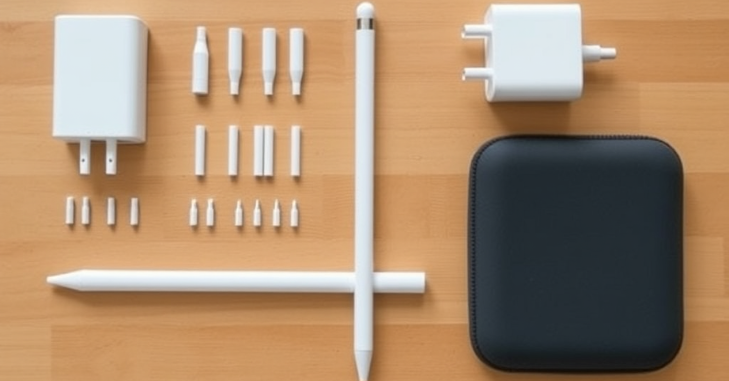
- Minimalist look: smooth white surface with no buttons or clips
- Pencil-shaped design: Ergonomically balanced for a comfortable grip, similar to traditional pencils.
- Replaceable tip: Enhances durability and allows better control over line accuracy.
- Cap-protected Lightning end: Ensures the charging port remains discreetly concealed.
Advantages and Disadvantages Compared to Later Models
Advantages
- Cheaper than the Apple Pencil (2nd Generation)
- Compatible with a broader selection of older iPads.
- No need for a special magnetic attachment or charging pad.
Disadvantages
- Uncluttered charging design
- Lacks gesture controls and magnetic storage
- No flat edge for grip stability
Best iPad Pairings for Apple Pencil 1st Gen

Here are some iPads compatible with the first-generation stylus.
- iPad (9th, 8th, 7th, and 6th generation)
- iPad Pro 12.9-inch (1st and 2nd generation)
- iPad Pro 10.5-inch and 9.7-inch
- iPad Air (3rd generation)
- iPad mini (5th generation)
Typical Applications: Ranging from Art to Academic Fields
- Artists: Creating sketches, developing concept art, and applying colors.
- Students engage in notetaking during class using apps such as Notability and GoodNotes.
- Professionals: Signing documents, making annotations, and creating mind maps.
- Designers: Creating UI/UX sketches, architectural plans, and fashion concepts.
Tips for Prolonging Longevity through Maintenance
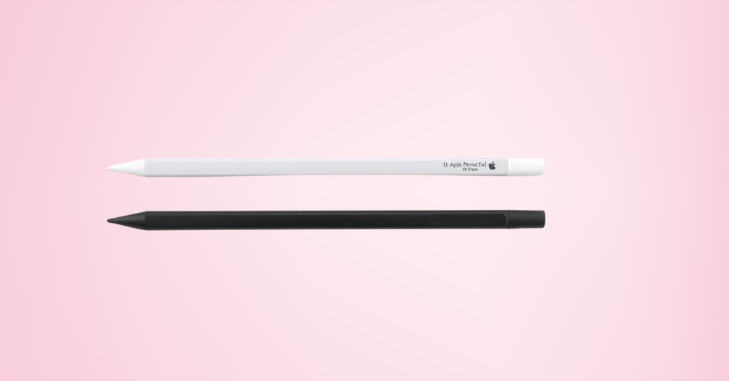
- Always cap the charging port when not in use
- Store in padded sleeves to avoid accidental drops
- Clean the tip regularly with a microfiber cloth
- Replace the tip after heavy or prolonged use
Alternative Styluses Within a Similar Price Range
- Logitech Crayon (compatible with newer iPads)
- Adonit Note+
- Zagg Pro Stylus
While they might not provide the same level of pressure sensitivity, they are a close alternative for users on a budget.
Authentic User Feedback on the First-Generation Apple Pencil
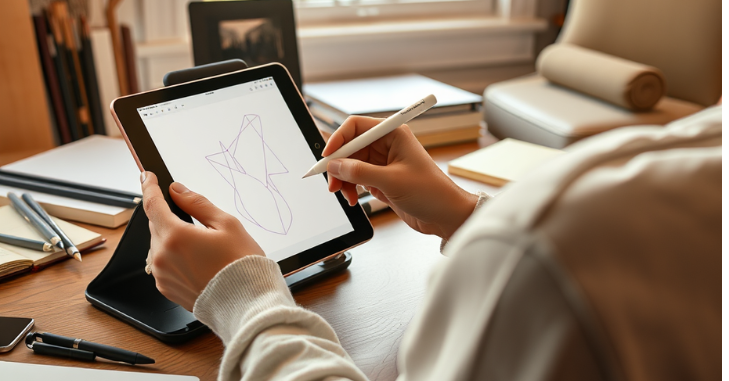
Users commend its simplicity and dependability, particularly for writing and basic drawing. Nevertheless, common complaints focus on its charging approach and the absence of up-to-date features. Many consider it perfect for beginners or casual users.
Comparison with the Apple Pencil 2nd Gen
| Feature | 1st Gen | 2nd Gen |
| Charging | Lightning connector | Magnetic wireless |
| Design | Round, glossy | Flat edge, matte |
| Gesture support | None | Double-tap for tool switch |
| Storage | No magnetic mount | Attaches magnetically to iPad |
| Price | More affordable | More expensive |
Essential Accessories to Complement Your Stylus
- Magnetic pencil holder stickers
- Charging adapters and lightning cable docks
- Silicone pencil sleeves for grip enhancement
- NIB replacements (official or third-party)
Charging the Stylus Without Damaging It
- Always use the Apple adapter to ensure safe charging.
- Avoid bending it while plugged into the iPad
- Store safely after charging to avoid cap loss
Where to Buy It Today?
- Apple Store (limited stock)
- Amazon or eBay
- Refurbished electronics retailers
- Local marketplaces
The Evolutionary Step That Changed Digital Note-Taking
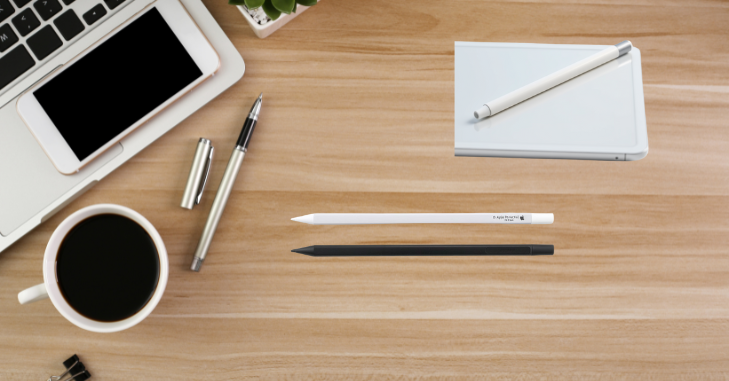
When the first-generation Apple Pencil was introduced, it revolutionized how users engaged with their iPads, not only for drawing but also for writing, annotating documents, and managing digital notes. Prior to its release, many styluses lacked accurate pressure sensitivity and consistent responsiveness.
The Apple Pencil addressed these gaps with near-instant ink response, intuitive tilt shading, and a design that mimicked a real pencil. It transcended mere accessory status, becoming essential for students and professionals who needed smooth, natural note-taking that mimicked traditional pen-and-paper methods. In both classrooms and corporate settings, it transformed how ideas were captured and communicated.
Conclusion
The Apple Pencil 1st Gen remains a reliable, responsive, and precise tool for users with older iPads or newcomers to digital art. Although its design is older, it still offers a natural pencil-like experience, pressure sensitivity, and broad app compatibility, making it a solid option.
Although it may not have some of the more advanced features of its successor, the Apple Pencil 1st Gen demonstrates that innovation doesn’t have to be new to be impactful. For casual users, students, or hobbyists, it continues to offer outstanding value one stroke at a time.
Want to know about “Welfarentix Presents NexioRex” Check out our “Tech” category.
FAQs
It offers greater comfort and better balance than the Microsoft Surface Pen. Artists will find it an excellent choice, though it’s also great for taking notes on your iPad.
We are confident that the second-generation Apple Pencil is superior due to its advanced features. Notable improvements include better palm rejection, wireless charging, and a redesigned magnetic clip.
After removing its cap, insert the pencil into the USB-C Apple Pencil Adapter to connect it. Next, connect the other end of the adapter to your iPad using the USB-C charging cable that comes with it.
He latest iPad Pro, iPad Air, and iPad mini models that support USB-C are incompatible with the Apple Pencil 1st Gen.