
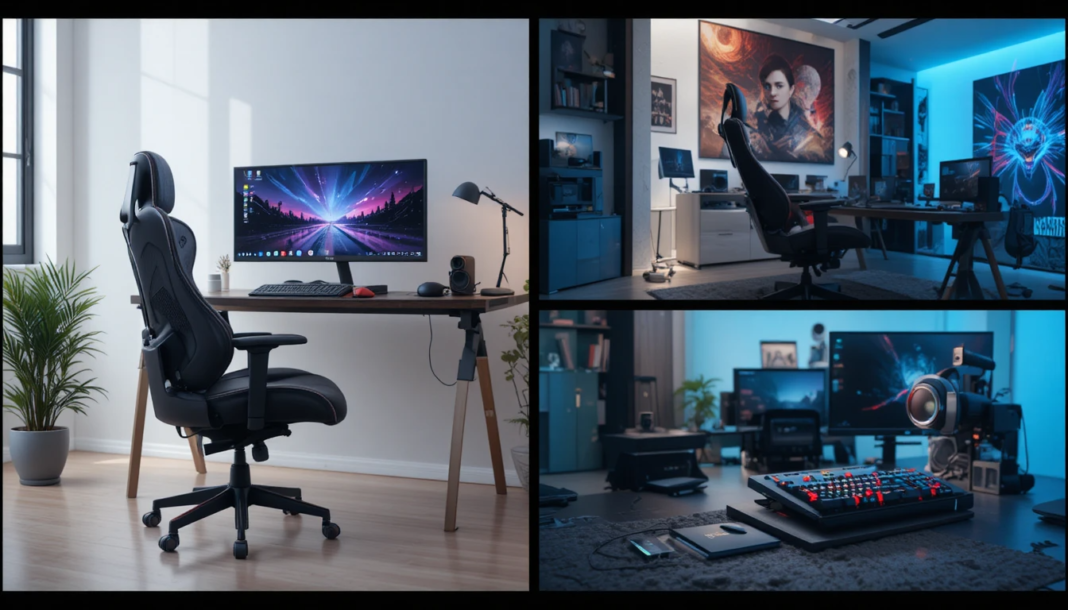

The world of gaming has evolved far beyond the basic console or PC setup. Today, gamers are constantly seeking ways to enhance performance, comfort, and immersion. One of the most impactful ways to achieve this is through high-quality gaming accessories. From mechanical keyboards and precision mice to immersive headsets and ergonomic chairs, the right gear can dramatically improve gameplay and elevate the overall experience.
In this ultimate guide, we’ll explore the essential tools, features, and innovations that make gaming accessories indispensable. Whether you’re a casual gamer or a professional eSports competitor, understanding these devices will help you make informed decisions for a top-tier setup.
| Category | Key Tools | Core Features | Gameplay Benefits |
| Input Devices | Keyboards, Mice, Controllers | Mechanical switches, adjustable DPI, programmable buttons, haptic feedback | Faster reactions, precise control, improved gameplay efficiency |
| Audio Gear | Headsets, Microphones | Surround sound, noise cancellation, and clear voice input | Better communication, immersive sound awareness |
| Ergonomic Setup | Chairs, Desks | Lumbar support, adjustable height, durable design | Reduced fatigue, improved posture, and longer gaming sessions |
| Customization | RGB Lighting, Software | Profile switching, macro programming, and lighting sync | Personalized setup, quick command execution |
| Performance Enhancers | Mousepads, Cooling Pads | Smooth surfaces, heat management | Better tracking accuracy, stable performance |
| Innovative Tech | Haptic Devices, Wireless Gear | Motion feedback, low-latency wireless connectivity | Enhanced immersion, freedom of movement |
| Compatibility | Cross-platform Accessories | Multi-device support, plug-and-play | Flexibility across PC, console, and mobile gaming |
What Are Gaming Accessories?
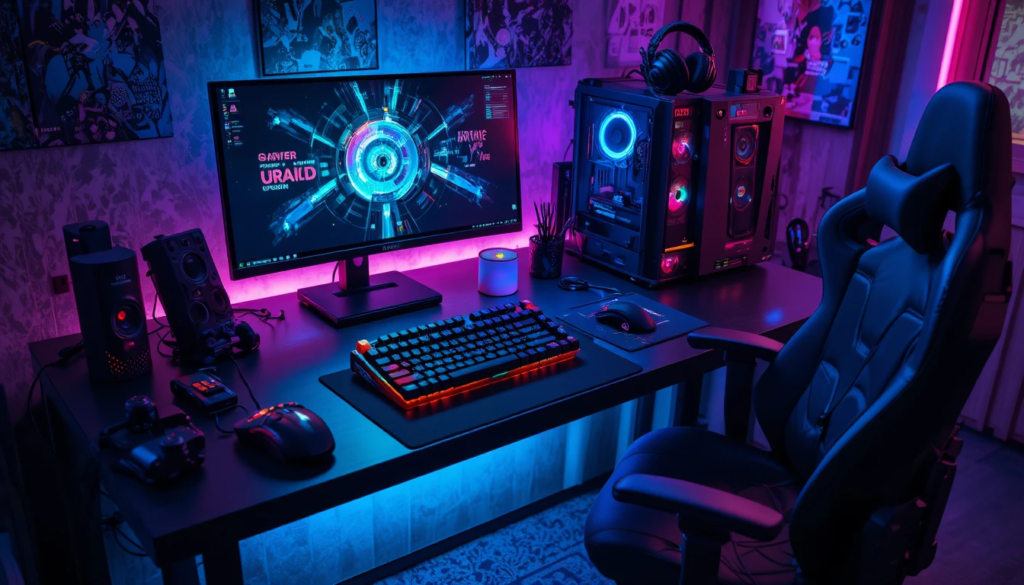
Gaming accessories are peripherals and tools designed to enhance a player’s performance, comfort, and immersion in video games. Unlike standard computer or console equipment, these devices are optimized for responsiveness, precision, and ergonomics.
Some key characteristics include:
- Enhanced Precision: Devices such as gaming mice and controllers offer higher sensitivity and faster response times.
- Ergonomic Design: Accessories are built to reduce strain during long gaming sessions.
- Customization: Many peripherals allow users to adjust lighting, macros, sensitivity, and button assignments.
- Immersive Features: Headsets with surround sound, haptic feedback devices, and specialized chairs enhance the gaming experience.
Key Types of Gaming Accessories
Gaming Keyboards
Mechanical keyboards are a key part of high-performance gaming setups, providing tactile feedback for fast, accurate keystrokes. They include customizable keycaps, RGB lighting for personalization, and macro programming for executing complex commands easily. With switch types like linear, tactile, and clicky, they can be tailored to different gaming styles such as MMOs, FPS, and MOBAs.
Gaming Mice
Gaming mice are designed for precision and speed, featuring adjustable DPI for sensitivity control and programmable buttons for quick commands. Their ergonomic design reduces hand fatigue during long sessions, while features such as weight adjustment and onboard memory let users customize the feel and save multiple profiles.
Gaming Headsets
Gaming headsets enhance both immersion and communication through surround sound or spatial audio, helping players accurately detect in-game cues. Noise-cancelling microphones ensure clear team communication, while comfortable ear cushions and wireless options provide ease and flexibility for extended gaming sessions.
Controllers and Gamepads
Controllers offer smooth, responsive gameplay, especially in genres like racing and platforming. They feature responsive triggers, customizable button mapping, and haptic feedback for added immersion, making them a versatile option alongside keyboards and mice.
Gaming Chairs and Desks
Gaming chairs and desks prioritize comfort and posture, supporting long gaming sessions with features such as adjustable lumbar support and reclining options. Height-adjustable desks offer flexibility between sitting and standing, while durable materials ensure long-term use and comfort.
Innovations in Gaming Accessories
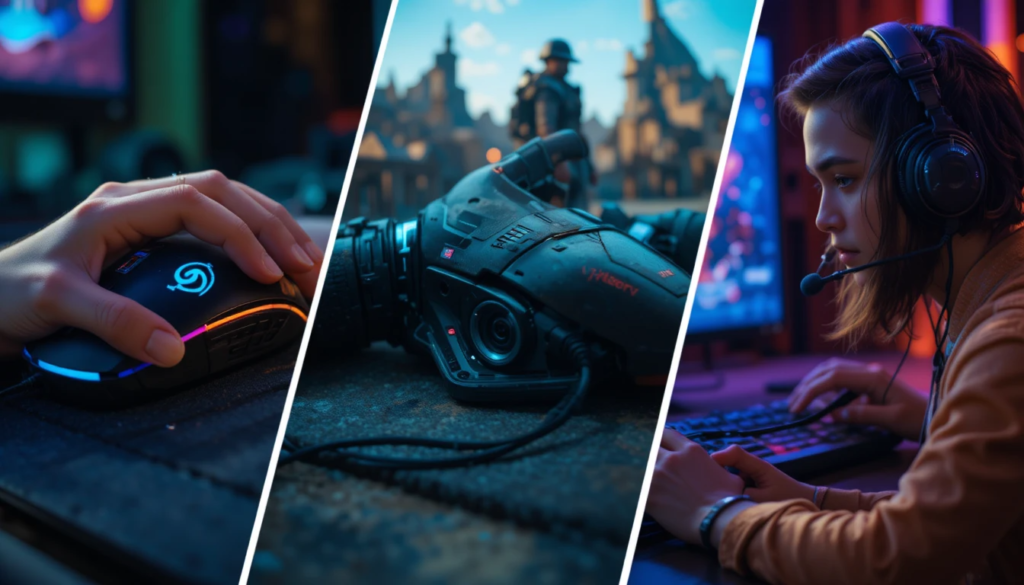
The gaming industry continues to push the boundaries of accessory innovation. Some of the latest trends include:
- RGB Synchronization: Lighting effects that sync across keyboards, mice, headsets, and even PC cases.
- Modular Designs: Accessories that can be customized or expanded to suit different playstyles.
- Haptic Feedback Devices: Gloves, vests, or controllers that simulate touch or impact from in-game events.
- Adaptive Controllers: Devices for gamers with disabilities that make games more accessible.
These innovations not only improve gameplay performance but also create a more immersive and enjoyable gaming environment.
How to Choose the Right Gaming Accessories
Selecting the right gear depends on your gaming style, budget, and personal comfort. Here are some key considerations:
- Purpose: Identify whether your priority is performance, comfort, or aesthetics.
- Ergonomics: Consider hand size, seating posture, and extended usage.
- Compatibility: Ensure accessories are compatible with your PC, console, or both.
- Customization Options: Look for software that allows macro assignments, DPI adjustments, and lighting effects.
- Build Quality: Durable materials and reliable switches are critical for long-term use.
Popular Gaming Accessories Features
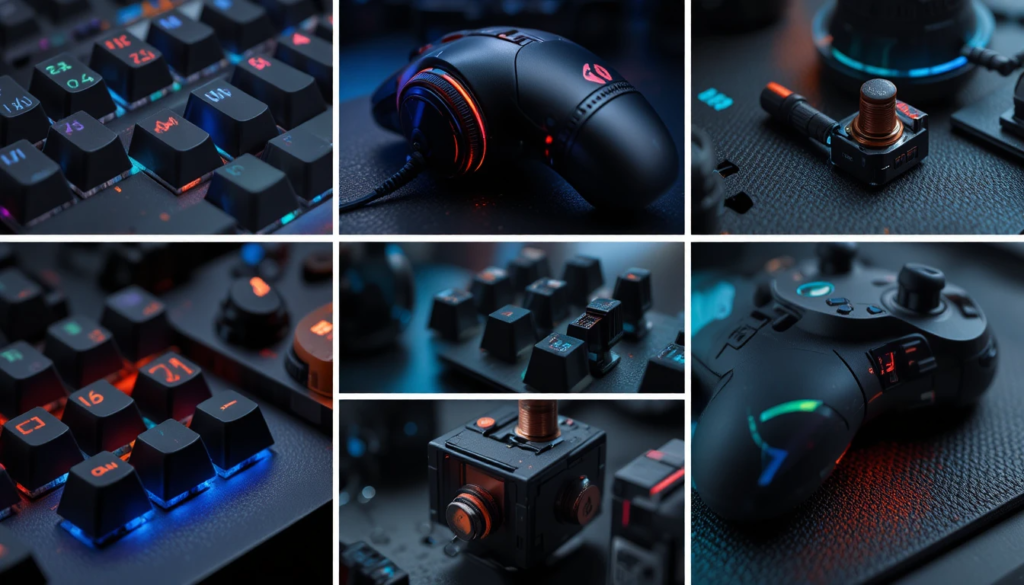
| Accessory | Key Features | Benefits |
| Keyboard | Mechanical switches, RGB lighting, macro programming | Precise inputs, customizable aesthetics, and efficient gameplay |
| Mouse | Adjustable DPI, programmable buttons, weight tuning | High accuracy, fast reactions, personalized control |
| Headset | Surround sound, noise-canceling mic, comfort fit | Immersive audio, clear communication, long-session comfort |
| Controller/Gamepad | Haptic feedback, responsive triggers, customizable mapping | Smooth control, immersive experience, adaptable for different games |
| Chair & Desk | Adjustable ergonomics, lumbar support, durable materials | Reduces fatigue, improves posture, enhances long-term gaming comfort |
Maintenance Tips for Gaming Accessories
To ensure longevity and peak performance:
- Regular Cleaning: Dust and debris can affect the performance of key switches and sensors.
- Firmware Updates: Keep software and drivers up to date to improve functionality.
- Avoid Physical Stress: Do not press buttons too hard or drop accessories.
- Proper Storage: When not in use, store accessories in a safe, dry place.
Why Gaming Accessories Matter
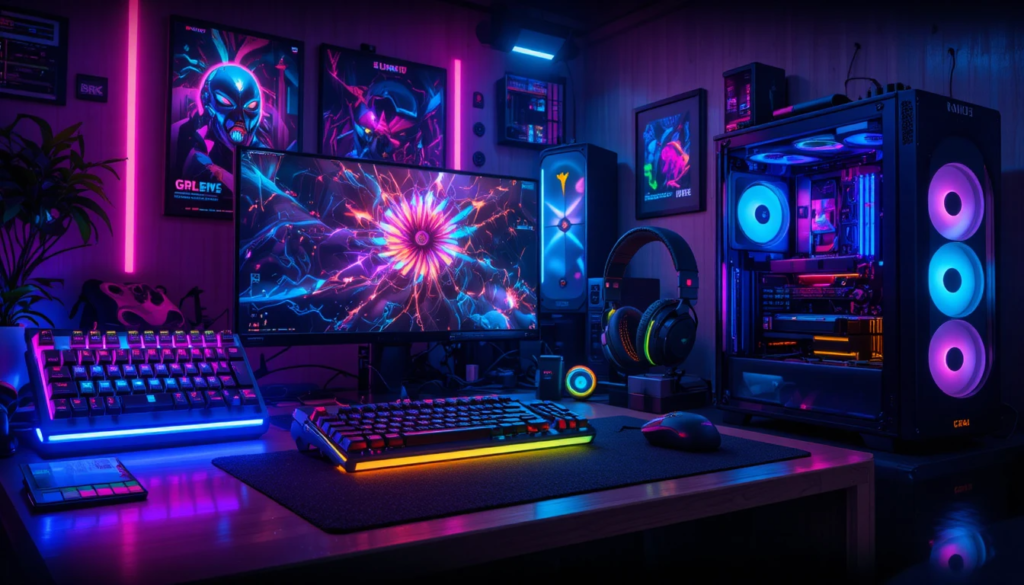
The right tools significantly impact gameplay, comfort, and enjoyment. High-quality peripherals enhance accuracy, reduce physical strain, and allow for quicker execution of in-game commands. Gamers can benefit from improved reaction times, better audio awareness, and ergonomic designs that reduce fatigue during extended sessions.
For competitive players, gaming accessories often provide the edge needed to excel in fast-paced environments. For casual gamers, these devices improve comfort, immersion, and overall satisfaction during gameplay.
Popular Gaming Accessory Brands
Several brands are recognized for producing high-quality gaming accessories:
- Razer: Known for cutting-edge mice, keyboards, and headsets.
- Logitech G: Offers precision peripherals with robust customization options.
- Corsair: Specializes in mechanical keyboards and high-performance mice.
- SteelSeries: Focuses on ergonomic designs and pro-gamer-approved gear.
- HyperX: Popular for comfortable headsets and memory foam seating.
Choosing from reputable brands ensures durability, software support, and reliable performance.
Conclusion
Investing in quality gaming accessories is more than a luxury; it’s an essential step toward enhancing both performance and enjoyment. From customizable keyboards and high-precision mice to immersive headsets and ergonomic chairs, these tools improve comfort, accuracy, and immersion. Innovations such as RGB lighting, modular designs, and adaptive controllers further enhance the gaming experience.
Whether you are a competitive eSports player or a casual enthusiast, selecting the right accessories tailored to your style and needs can make a significant difference. Proper maintenance and smart choices will ensure these devices remain effective for years to come. Ultimately, gaming accessories are not just peripherals; they are extensions of the player, designed to elevate every aspect of gameplay.
FAQs
Not all, but most high-end peripherals have software for customization and macros.
Many are PC-compatible, but console-specific devices may have limitations. Always check product specifications.
Regular cleaning and firmware updates every few months help maintain performance.
Primarily aesthetic, but it can indicate profiles, DPI settings, or active macros in some devices.